
How to Organize Reusable API Checks, Environment Data, and Automated Runs in a Postman Collection
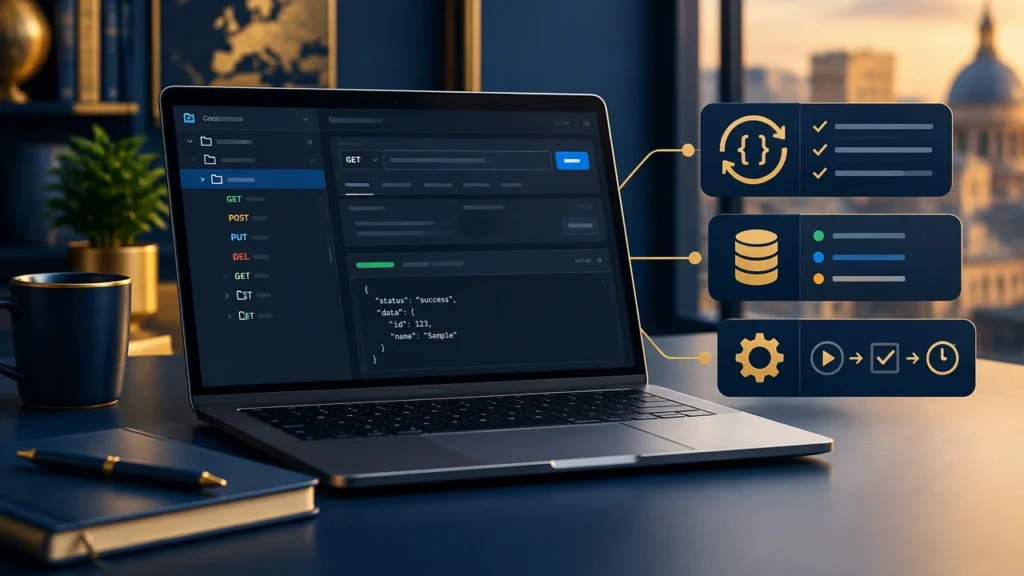
Software testing becomes more predictable when API checks are organized like product code. A well-structured Postman collection helps teams reuse requests, keep environment data separate from test logic, and run automated checks in CI without rewriting scripts each sprint. This guide explains how to create an API test collection in Postman that scales from local exploration to scheduled automation.
Decide the collection structure before writing tests
Start with a small, intentional layout. A common pattern is to group requests by resource and lifecycle stage:
- Auth for login and token refresh endpoints.
- Users for create, read, update, and delete flows.
- Orders for business-critical writes and validations.
- Health for readiness and smoke checks.
Keep each folder focused on one domain. If a request is reused by several domains, place the canonical version in a shared folder and reference it with collection-level variables or pre-request scripts.
Use environments to separate data from logic
Postman environments hold values that change between runs, such as base URLs, credentials, tenant IDs, and feature flags. Collection variables hold stable defaults that rarely change. This separation prevents accidental hard-coding and makes the same request runnable against staging, QA, or production.
A practical setup includes:
- Collection variables for default timeouts, pagination limits, and common headers.
- Environment variables for baseUrl, apiKey, and userPoolId.
- Secret variables for tokens or passwords used only at runtime.
When a variable can live in multiple scopes, prefer the narrowest scope that still allows reuse. For example, store a per-environment baseUrl in an environment, not in the collection.
Standardize pre-request and test scripts
Consistency makes maintenance easier. Create a small set of reusable script patterns:
- Pre-request: fetch a fresh token, compute a timestamp, or generate a unique id.
- Tests: assert status code, schema shape, and key business fields.
Use pm.test for readable checks. Keep assertions focused on one behavior per test. If a response must contain a list, validate its type and minimum length separately from the content of each item.
Example checks that are easy to maintain:
- Status code equals 200 or 201 for successful writes.
- Content-Type header is application/json.
- Response time is below a defined threshold stored in a variable.
- Required fields exist and have the expected type.
Build a small helper library inside the collection
Postman supports collection-level scripts. Place shared utilities there to avoid duplicating code across requests. Common helpers include:
- setBaseUrl: ensure the base URL ends without a trailing slash.
- assertSchema: validate a response against a stored JSON Schema snippet.
- retryHealthCheck: poll a readiness endpoint until it returns 200.
Keep helpers simple and well-named. If a helper grows beyond a few lines, split it into smaller functions and document the expected inputs in comments.
Make collections data-driven with variables
Data-driven runs let you execute the same request with many inputs. Postman supports CSV and JSON files for this purpose. Define columns that map to variable names, such as userId, expectedStatus, and note.
Best practices for data files:
- Keep rows under a few hundred for local runs.
- Use explicit expected values instead of guessing outcomes.
- Include negative cases, such as invalid email or missing required fields.
- Store test data outside source control if it contains sensitive values.
When a test depends on created resources, chain requests so that the output of one request becomes the input of the next. Use environment or collection variables to pass IDs forward.
Plan for automated runs in CI
Postman collections run in Newman, the command-line runner. To keep CI jobs stable, follow these steps:
- Export the collection and the target environment.
- Store secrets as CI variables, not in files.
- Use a small smoke suite for fast feedback and a full regression suite for nightly runs.
- Fail the build on any test failure and publish a summary report.
A simple pipeline can install Newman, run the smoke collection against a deployed environment, and archive the HTML report as a build artifact. For larger systems, split runs by domain to reduce execution time and isolate failures.
Version your collection like code
Keep collections in a dedicated repository or a versioned workspace. Use branches for major changes and pull requests for review. Tag releases that match API versions so you can reproduce a run months later.
Document what changed in each release. Even a short list of added endpoints, removed variables, or updated thresholds helps future maintainers understand intent.
Handle authentication safely
Prefer token-based flows that can be refreshed automatically. Store client secrets in environment or secret variables. Avoid logging tokens in test outputs. If a token expires mid-run, add a pre-request script that checks expiration and requests a new one only when needed.
For OAuth or SSO setups, consider a dedicated auth folder with a single source of truth for token management. Other folders should not implement their own login logic unless absolutely required.
Monitor performance and reliability
Add lightweight performance checks to critical endpoints. Store expected thresholds in variables, such as maxResponseTimeMs. This makes it easy to adjust limits without editing scripts.
For reliability, add retries for transient errors only where safe, such as read endpoints. Avoid retrying non-idempotent writes unless the API guarantees idempotency with a key.
Keep maintenance low with small habits
- Review failing tests weekly and delete obsolete cases.
- Refactor duplicated assertions into shared helpers.
- Run a quick local collection run before pushing changes.
- Keep folder names and variable names consistent across environments.
With a clean structure, reusable scripts, and environment-aware data, your Postman setup becomes a dependable part of software testing. Teams that learn how to create an API test collection in Postman once can reuse the same patterns for new services, new regions, and new release cycles without starting from scratch.